Start your journey: Get unlimited access to
Digital Planners
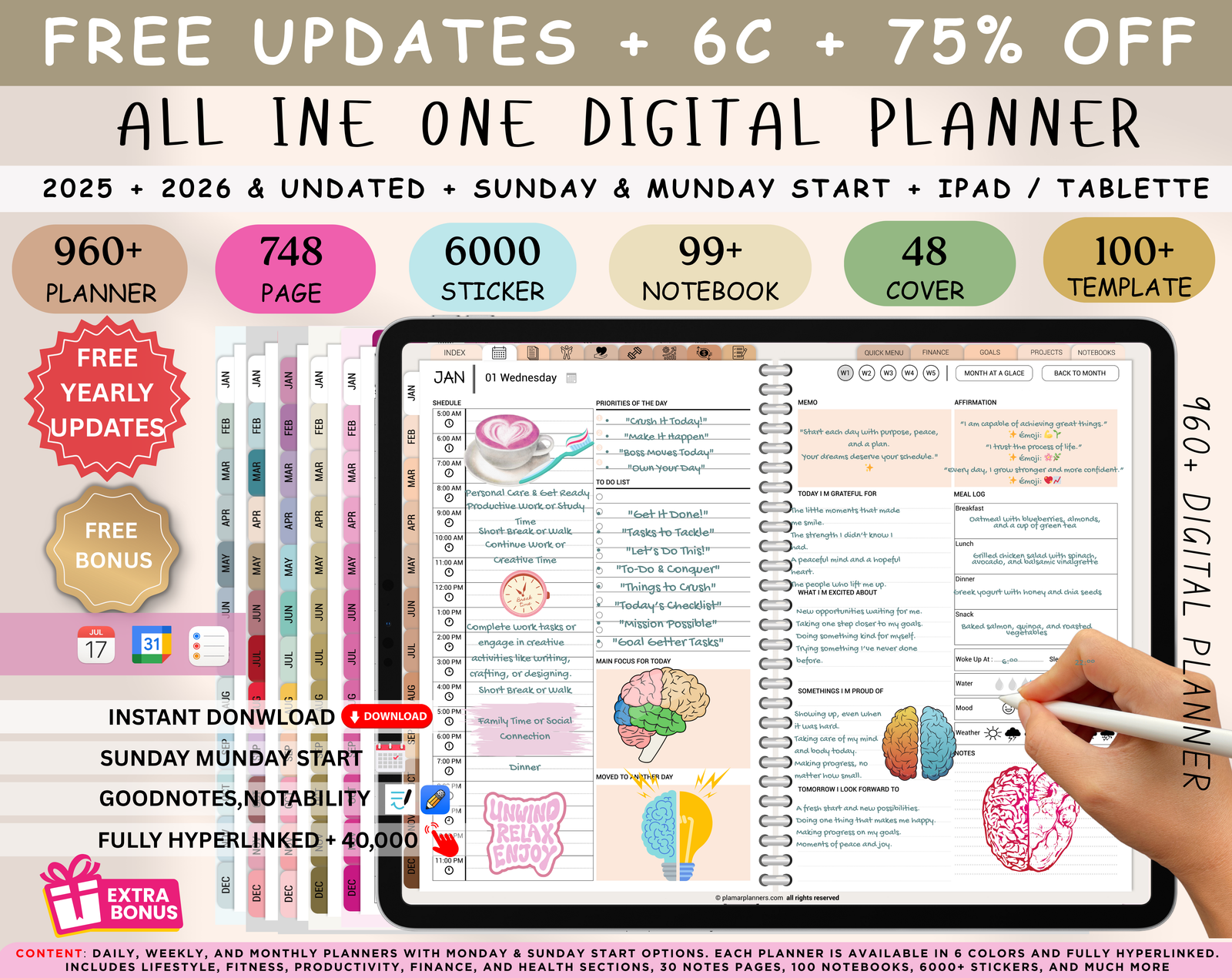
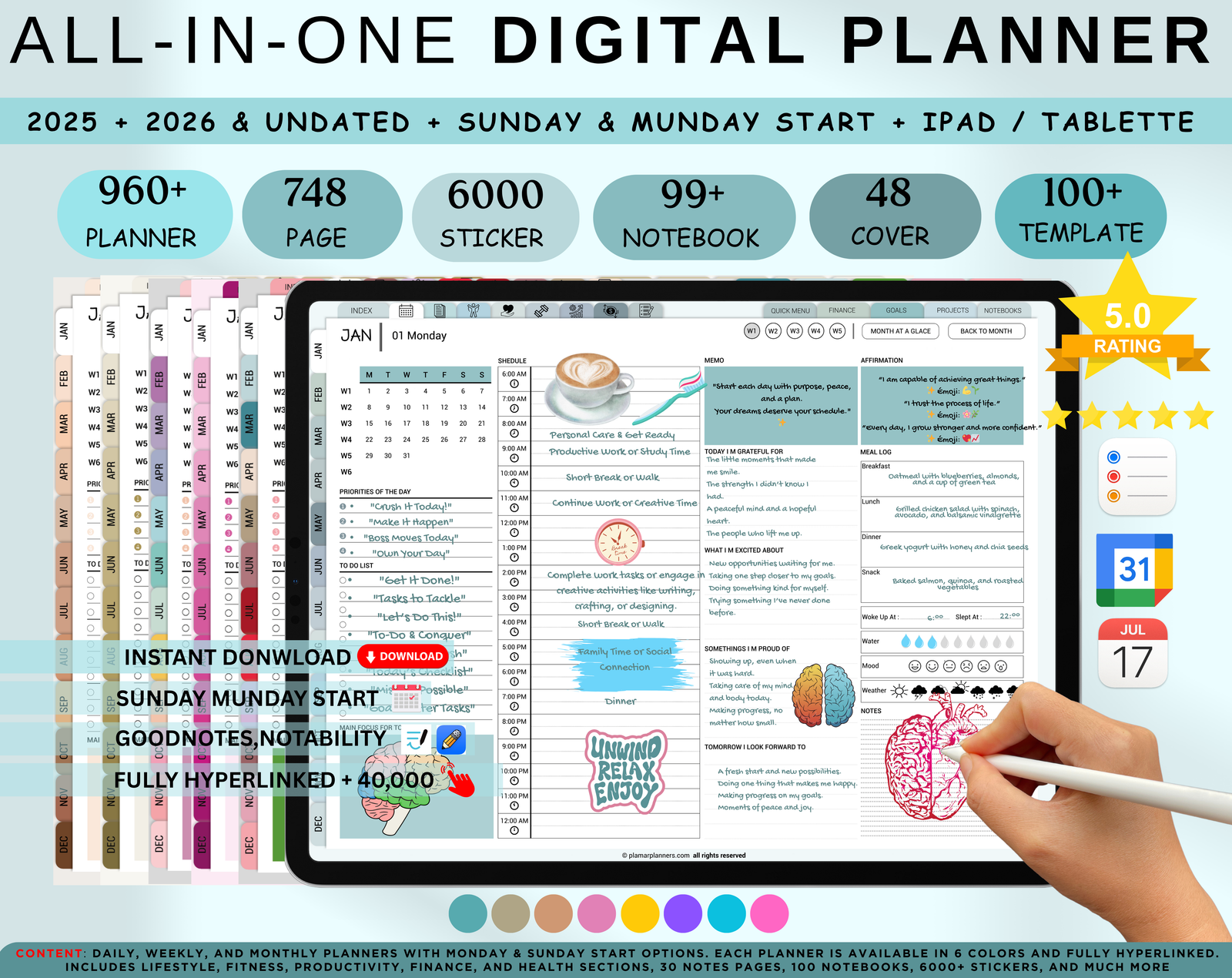
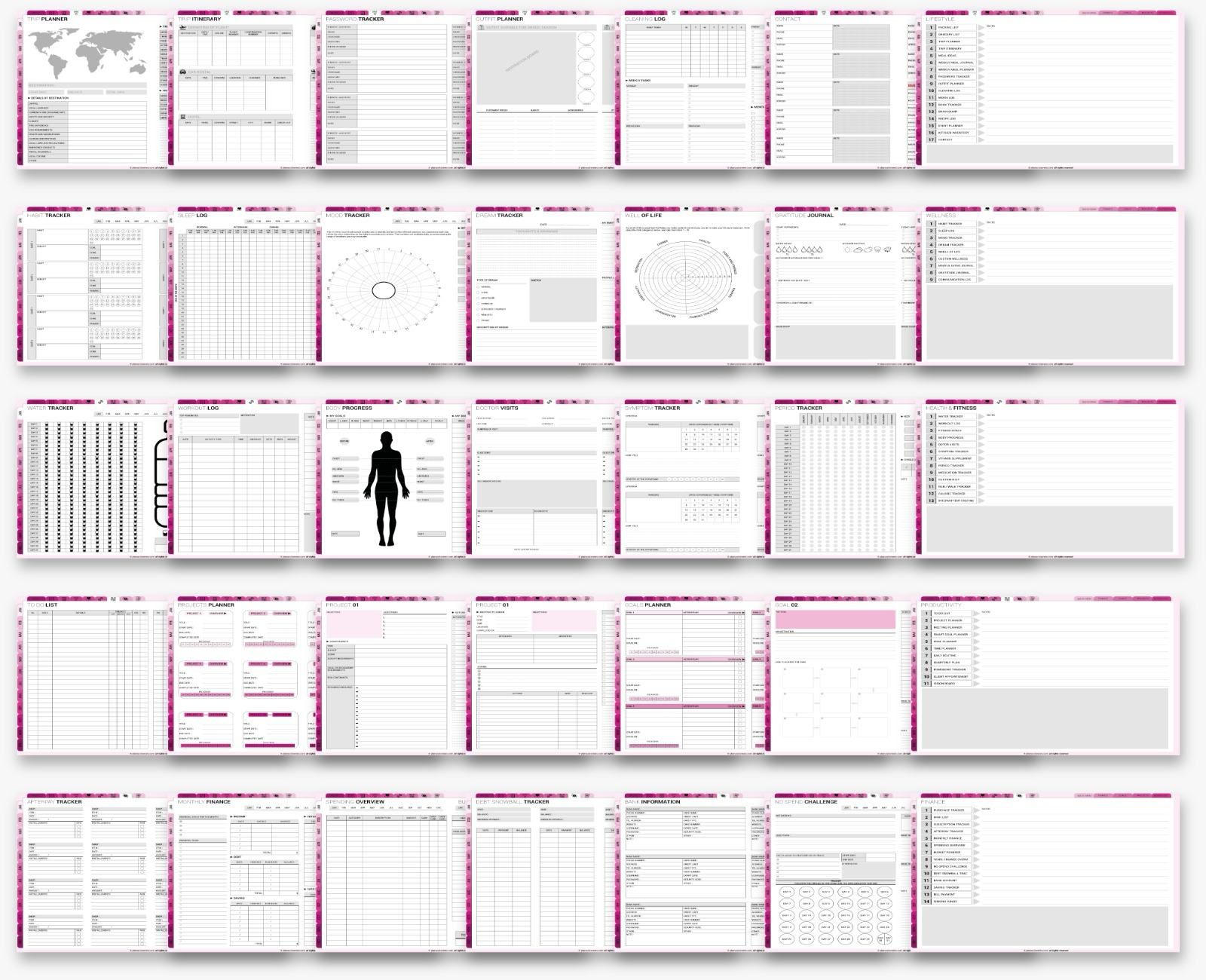
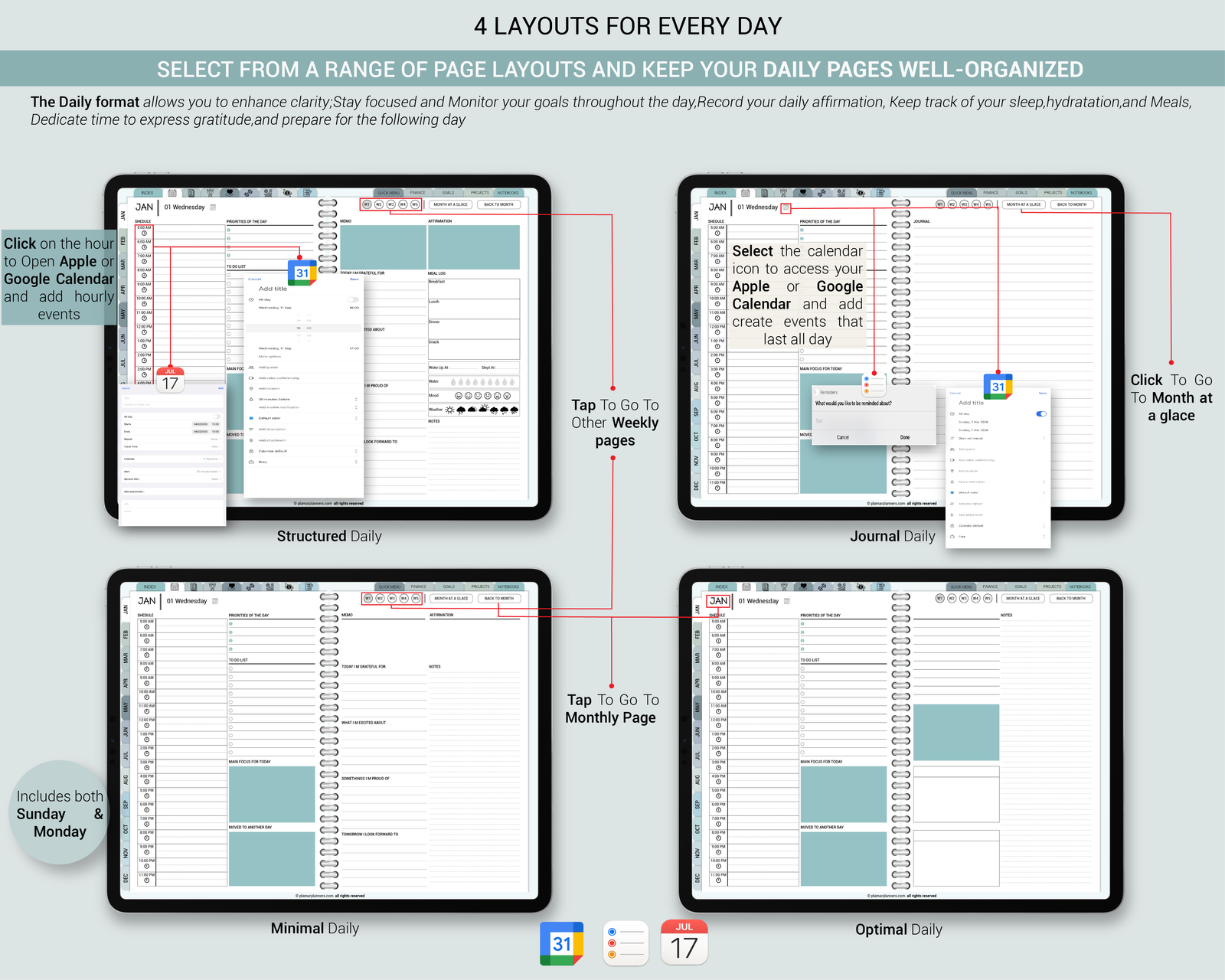
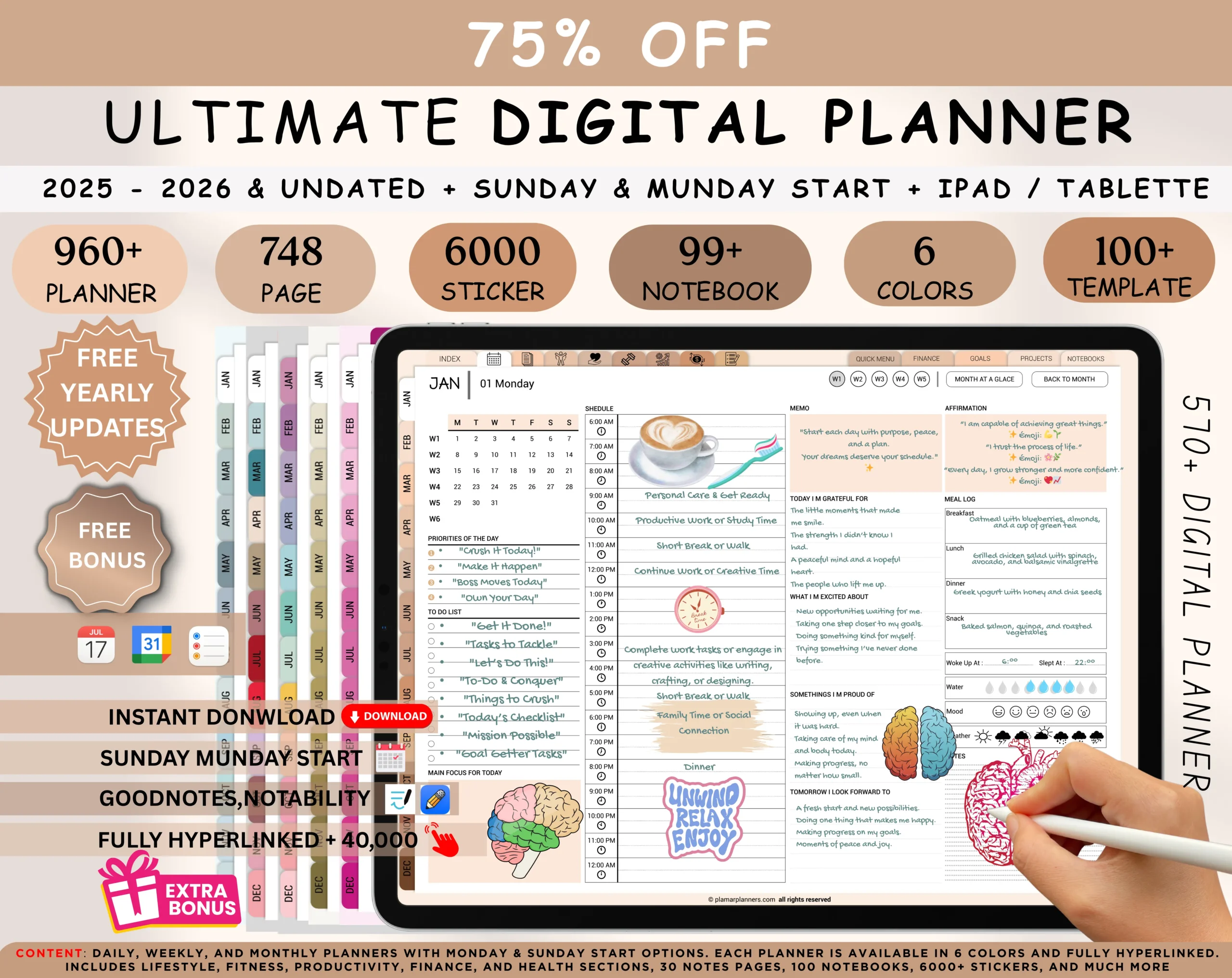
Elevate your planning game with our all-in-one Digital Planner bundle, compatible with GoodNotes, iPad, and Notability! Effortlessly create your ideal planner in minutes with our user-friendly customization tool. Select from modern layouts, vibrant tabs, and various Daily, Weekly, and Monthly page designs. With options for 2025, 2026, and an Undated version, you have the flexibility to stay organized year after year


All of these Items in a single sale

Featured Products
FAQ: Everything You Need to Know
Discover everything you need to know. Check out our most common questions and answers to help you navigate your experience
Wait. What is a Digital Planner ?
A digital planner helps you manage your time, set goals, and stay organized. Our planners often come with features like hyperlinks for easy navigation, customizable layouts, and the ability to add notes and stickers. They combine the functionality of a planner with the flexibility and convenience of digital technology, making it easier to stay on top of your schedule and tasks wherever you are.
When will the product be shipped ?
All our products are digital, so there’s no waiting for shipping! Once you complete your purchase, you'll receive an instant download link to access your digital product. This means you can start organizing and planning your life right away. If you encounter any issues with your download, feel free to contact us for assistance.
I didnt receive my download emai ,What do I do ?
If you haven't received your download email, please check your spam or junk folder first, as sometimes emails can end up there. If you're still having trouble, please contact us directly with your order details, and we'll make sure you get your download link as soon as possible.
How do I use My digital planner ?
To use your digital product, you'll need a PDF reader or note-taking app that supports interactive PDFs. Some popular options include:
On iOS/iPadOS: Apps like GoodNotes, Notability, or Noteshelf.
On Android: Apps like Xodo, PDF Viewer, or Noteshelf.
On Windows/Mac: Noteshelf, Adobe Acrobat Reader, or any PDF viewer that supports interactive features.
Open the PDF file in your chosen app, and you'll be able to navigate through the product, add notes, and use its interactive features.
Can I use a digital planner on multiple Device ?
Even the all-powerful Pointing has no control Yes, you can use the digital product on multiple devices as long as you have access to the file and a compatible app on each device. For example, you can open and use the product on both your tablet and smartphone. Just make sure the app you’re using supports the interactive features of the PDF the blind texts it is an almost unorthographic life One day however a small line
Can I get a refund or exchange ?
Due to the digital nature of our products, we generally cannot offer refunds or exchanges once the purchase has been completed. This policy helps ensure the integrity of our digital files and protect against misuse.However, if you encounter any issues with your download or have a problem with the product, please contact us directly with your order details. We're here to assist with any technical issues or concerns you might have, and we'll do our best to resolve them to your satisfaction. If we are unable to resolve the issue, we will provide a full refund